

HandBrake
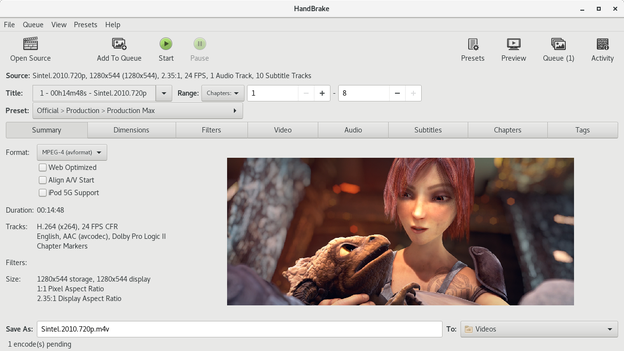
Explore our comprehensive review of HandBrake, the premier open-source video transcoder for Linux. Discover its features, compatibility, and performance.
A Deep Dive into the HandBrake Video Transcoder
The HandBrake video transcoder has long stood as a cornerstone utility for digital media enthusiasts, and its Linux edition continues this legacy of high-performance file conversion. Developed by the dedicated HandBrake Team, this open-source utility is designed to convert video from nearly any format into a modern, widely supported selection of codecs. Whether you are archiving a physical media collection or optimizing raw footage for web playback, this software provides a robust, cost-free solution tailored to handle complex encoding tasks with remarkable efficiency.
Who Benefits Most from This Media Converter?
This utility is exceptionally well-suited for content creators, system administrators, and home media curators who require precise control over their video outputs. If you need to compress large files to save storage space, convert older formats into highly compatible MP4 or MKV containers, or prepare video files for specific playback devices, the HandBrake video transcoder offers the exact granularity you need. Because it is free and open-source, it appeals directly to users who prioritize software transparency and community-driven development.
Key Features of the HandBrake Video Transcoder
- Universal Input Compatibility: It accepts almost any common multimedia file and transposes it into modern codecs.
- Multi-Platform Heritage: Built to perform flawlessly across Linux, Windows, and Mac systems.
- Completely Free & Open Source: No hidden fees, trial periods, or premium paywalls.
- Optimized Presets: Built-in device profiles allow quick setup for standard outputs, while advanced settings remain available for power users.
Streamlined Performance for Linux Environments
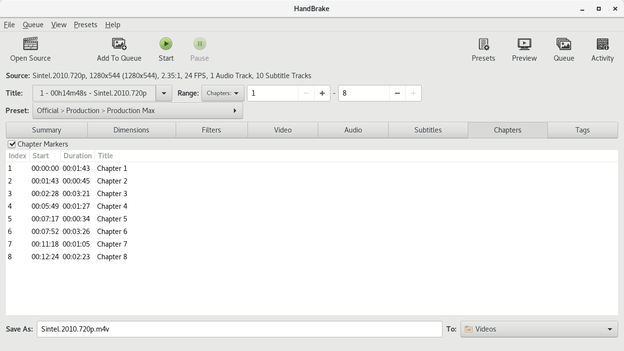
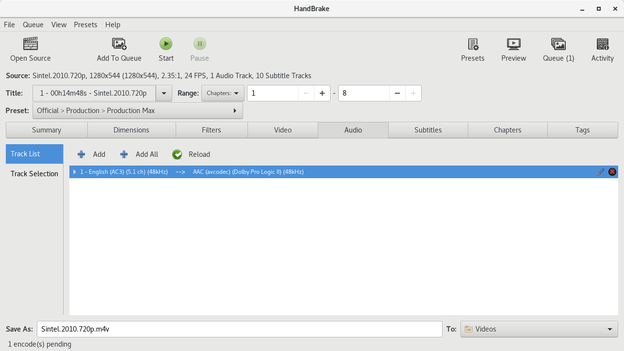
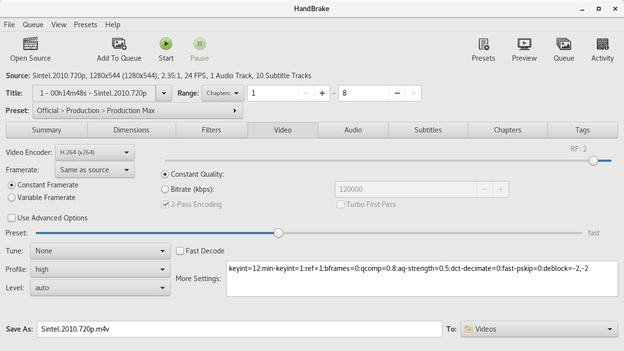
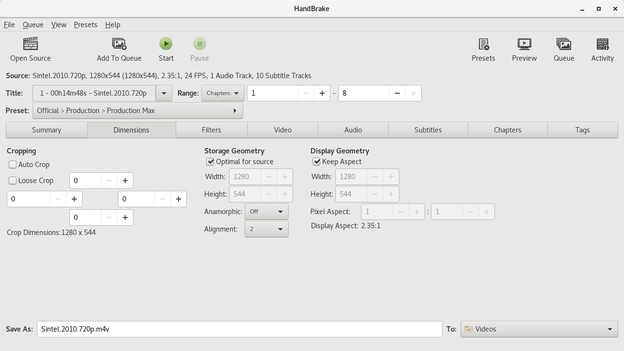
On Linux, the application integrates smoothly into various desktop environments. It leverages system resources effectively to speed up rendering times, making the HandBrake video transcoder an indispensable tool for heavy-duty processing queues. The user interface balances accessibility with deep customization, allowing you to tweak bitrates, adjust audio tracks, and apply filters without feeling overwhelmed by command-line complexities.
Final Verdict
For anyone serious about media management, having a reliable conversion utility is essential. This tool delivers professional-grade results without a commercial price tag. To experience its full capabilities and integrate it into your workflow, head over to the official Flathub store page to get started with the application on your Linux system.