
GNOME Network Displays
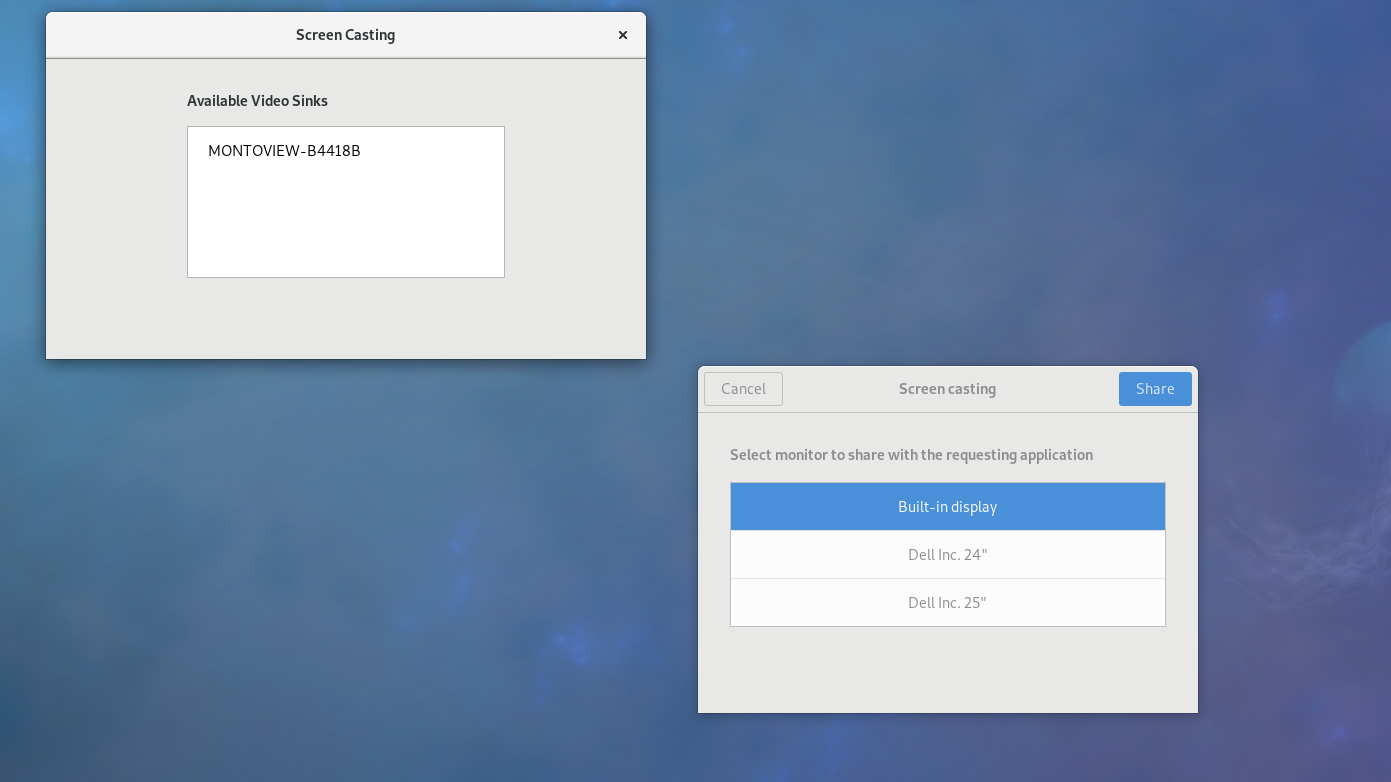
Discover how GNOME Network Displays lets you cast your Linux desktop to Miracast and Chromecast devices effortlessly. Read our full editorial review.
The Modern Way to Share Your Linux Screen
Imagine you are preparing to present a slide deck to your team in a modern conference room, or perhaps you simply want to stream a video from your Linux laptop to the big screen in your living room. Historically, setting up wireless display connections on open-source platforms required complex terminal configurations and endless troubleshooting. Fortunately, GNOME Network Displays screencasting provides a streamlined, native solution to cast your desktop directly to remote displays without messy cables.
What is GNOME Network Displays?
Developed by Benjamin Berg and Christian Glombek, this utility is designed specifically for the Linux platform to bridge the gap between your desktop environment and external receivers. Categorized under entertainment and productivity tools, it acts as a dedicated controller that scans your local network for compatible wireless monitors, TVs, and streaming dongles, allowing you to mirror your workspace in just a few clicks.
Key Features and Protocol Support
- Dual Protocol Compatibility: The application supports both the Miracast and Chromecast protocols, covering a vast majority of smart TVs and wireless display adapters on the market.
- Seamless Integration: Designed with the clean and intuitive GNOME aesthetic, it fits perfectly into modern Linux desktop environments.
- Real-time Streaming: It captures your desktop audio and video dynamically, sending a high-quality stream directly to your chosen receiver.
Who Is This Screencasting Tool For?
If you are a Linux enthusiast, a professional presenter, or a home media collector who values open-source software, this tool is built for you. It eliminates the need for proprietary third-party casting software, giving you a reliable, system-level utility to project your work or media onto larger screens. Whether you are using a dedicated office projector or a home streaming setup, GNOME Network Displays screencasting simplifies the entire connection process.
Our Verdict: A Must-Have Utility for Linux Power Users
While wireless display technology can sometimes be finicky depending on your network hardware, having a dedicated GUI tool integrated into the Linux ecosystem is a massive step forward. It offers a straightforward, no-nonsense interface that does exactly what it promises: finding remote screens and sending your desktop to them securely.
If you are ready to cut the cords and experience hassle-free wireless streaming from your Linux machine, we highly recommend trying it out. You can learn more and access the application by visiting the official GNOME Network Displays page on Flathub.