

Camera
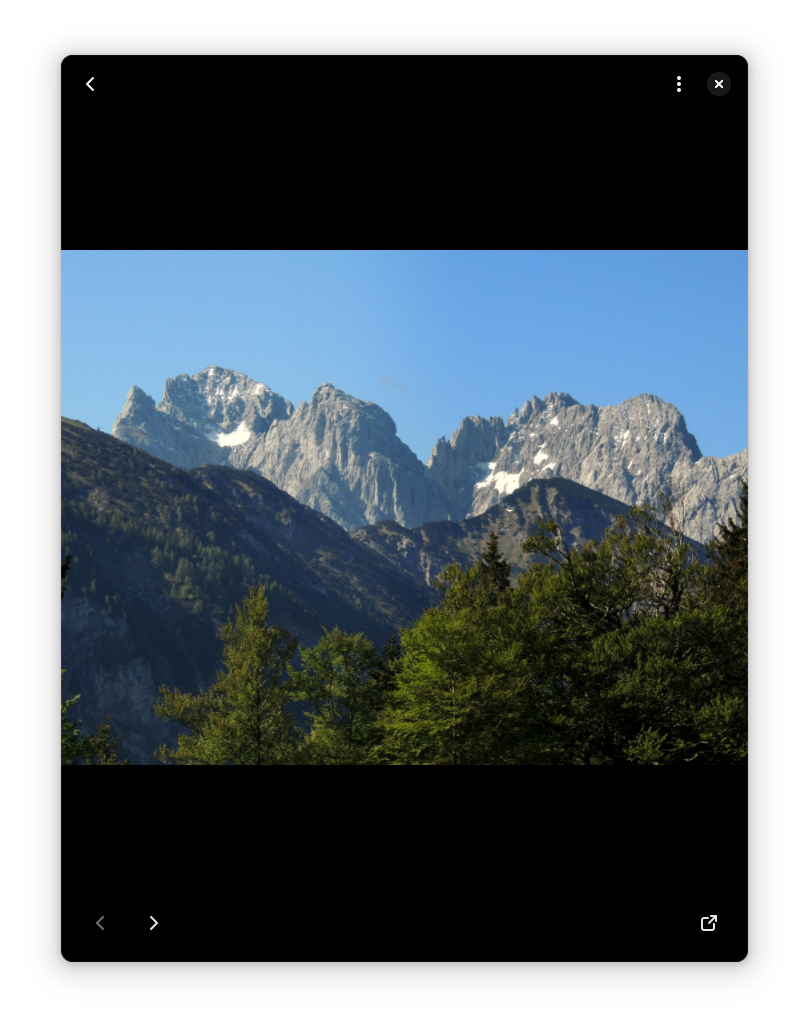
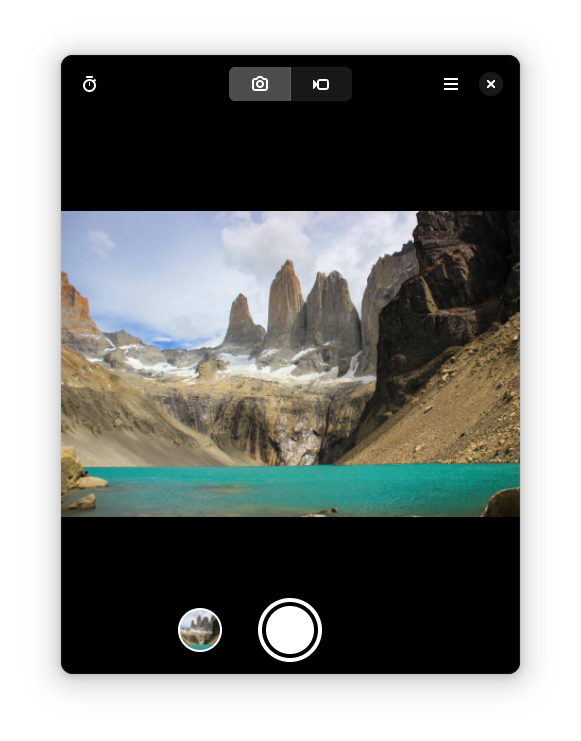
Discover Camera by The GNOME Project for Linux. Read our review of this streamlined media capture tool and learn how to take photos and videos easily.
A Seamless Media Capture Experience on Linux
When you need to snap a quick photo or record a brief video clip, you want an interface that gets out of your way. The Camera photo and video capture tool, developed by the renowned GNOME Project, is designed precisely for this kind of frictionless utility. Built natively for Linux environments, this lightweight application transforms your connected webcam or built-in device camera into an instant media production station without the bloat of professional editing suites.
Key Features of the Camera App
- Instant Snapshot Capability: Capture high-quality still images with a single click or tap, perfect for quick profile updates, documenting physical items, or saving visual notes.
- Seamless Video Recording: Switch effortlessly to video mode to record clips directly from your computer, tablet, or phone.
- Cross-Device Optimization: Designed with modern, responsive layouts that scale beautifully from compact mobile screens to expansive desktop monitors.
- Clean, Distraction-Free UI: A minimalist interface that places your preview frame front and center, hiding complex configurations behind intuitive controls.
Who Is This Application For?
The Camera photo and video capture utility is ideal for Linux enthusiasts who value software that does one job exceptionally well. Whether you are using a portable Linux tablet on the go, a desktop setup requiring quick webcam inputs, or a standard laptop, this tool ensures you do not have to struggle with complex configurations just to record a quick message or take a portrait. Its placement in the entertainment category highlights its casual, user-friendly nature, making media creation accessible to everyone.
How It Fits Into Your Daily Workflow
Instead of launching heavy production software, this utility loads almost instantly. This rapid startup makes it perfect for spontaneous moments—whether that is capturing a quick reaction video, verifying your hardware settings before an online meeting, or scanning a physical document using your device's camera. Because it is maintained by The GNOME Project, users can expect deep integration with their desktop environment and adherence to modern accessibility standards.
Conclusion
If you are searching for a dependable, straightforward tool to handle your daily imaging needs, this application is a stellar choice. To experience the Camera photo and video capture workflow yourself, head over to the official Flathub store page to explore its features and integrate it into your Linux system.