

Cine
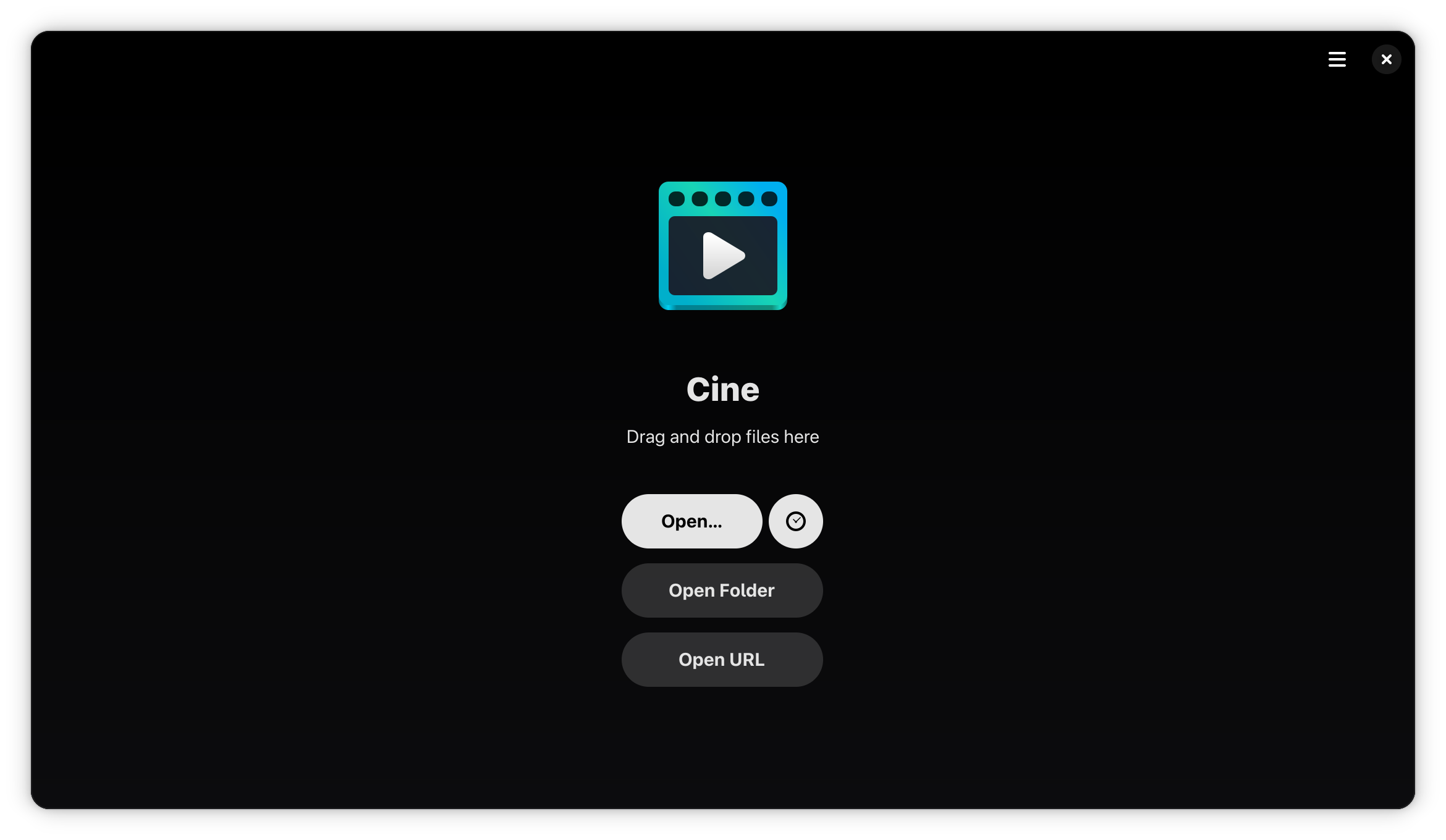
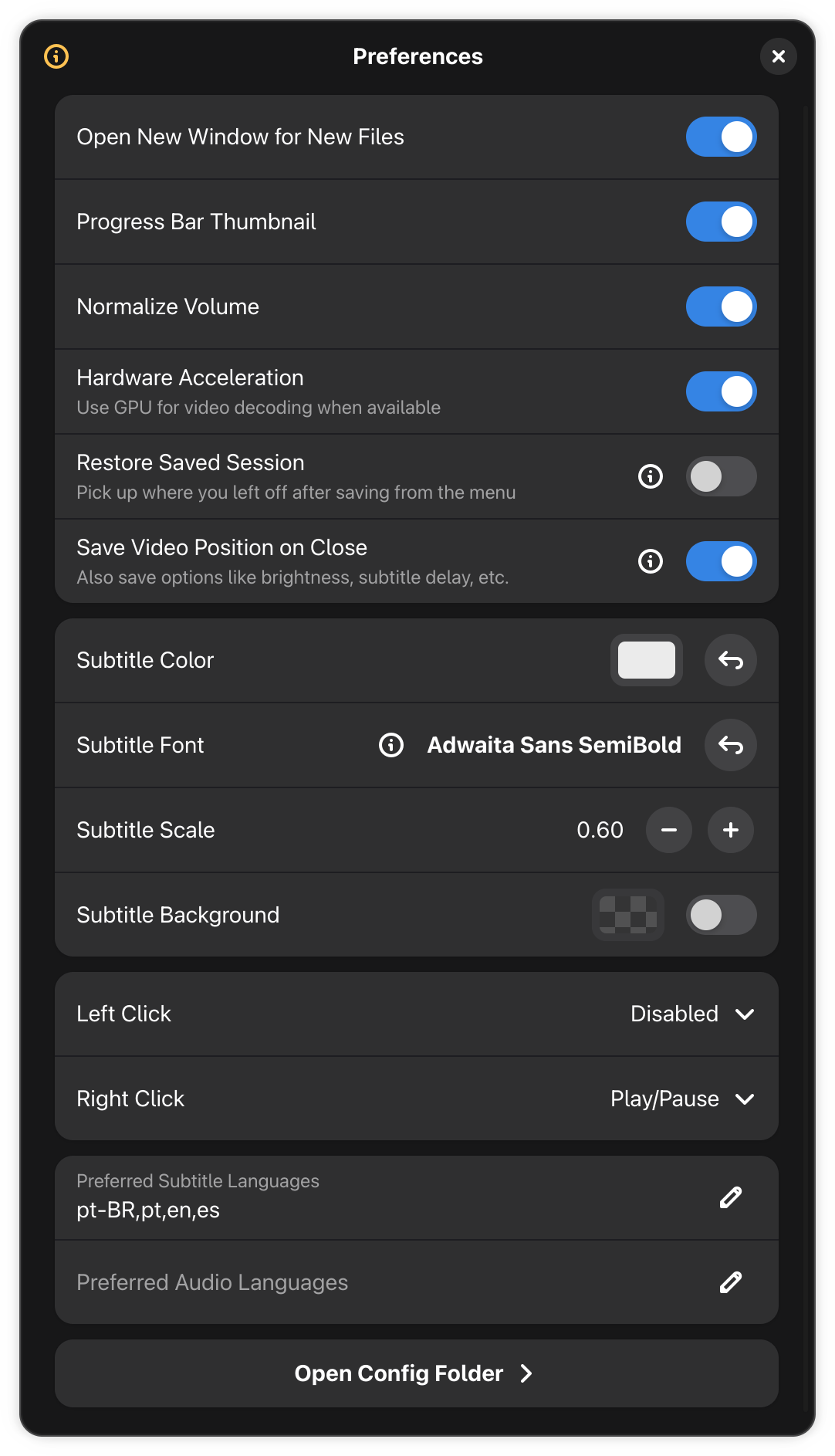
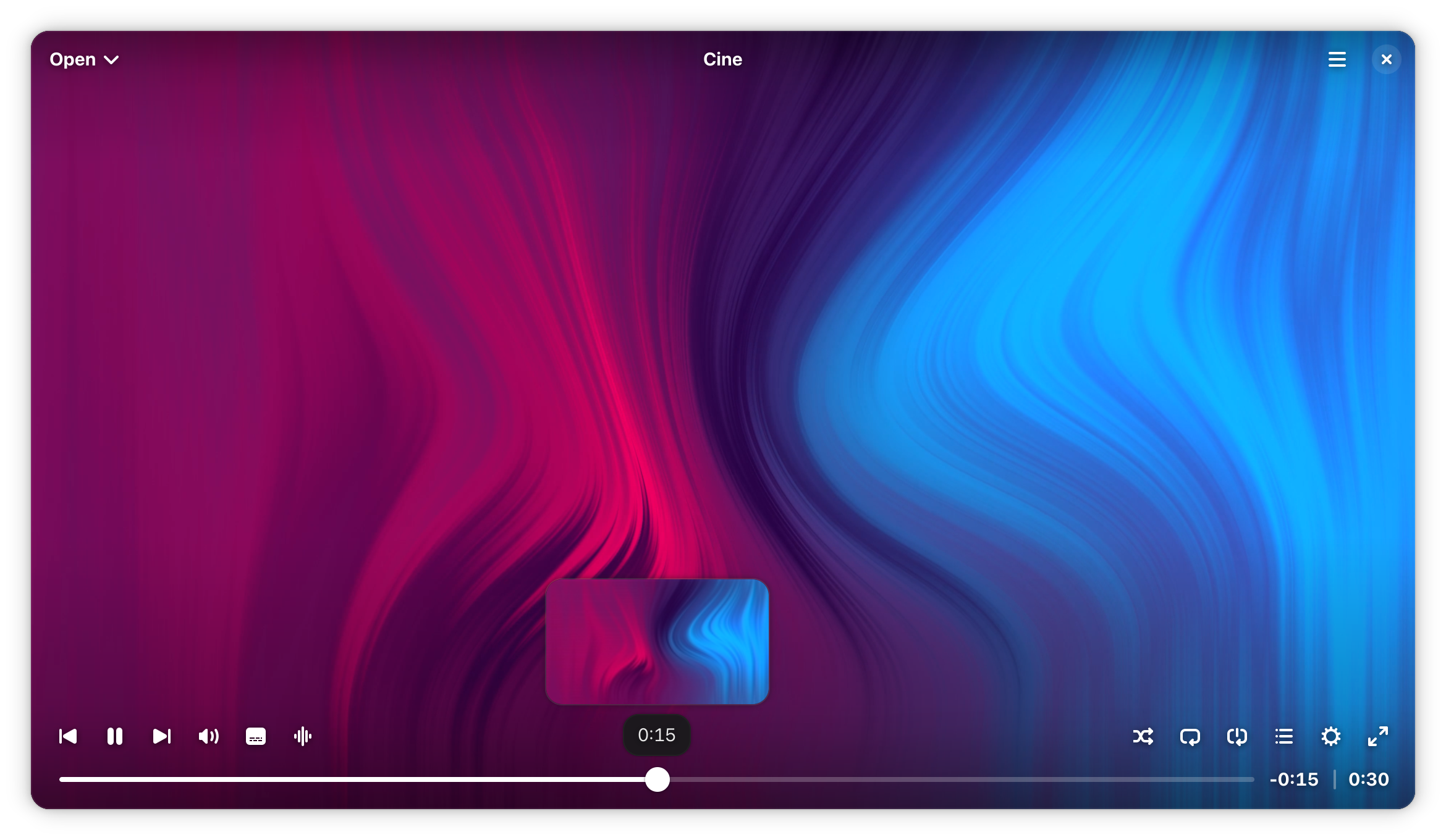
Discover Cine, a minimalist Linux media player built on MPV. Read our full review to see how this lightweight video player elevates your local playback.
The Ultimate Lightweight Linux Media Player
Finding a media player that strikes the perfect balance between system efficiency and rich customization can be a challenge. The Cine video player addresses this directly for Linux users, offering a stripped-back, distraction-free environment that lets your content take center stage. By stripping away bloated menus and focusing entirely on high-performance playback, it delivers an uninterrupted viewing experience that respects your system resources.
Why the Cine Video Player Stands Out on Linux
At its core, this application is designed for users who want their media to play instantly without configuration headaches. It achieves this by pairing a highly refined interface with one of the most respected rendering engines available today.
Powered by the Robust MPV Engine
Instead of reinventing the wheel, the Cine video player leverages the formidable power of MPV. This integration ensures exceptional format compatibility, smooth hardware acceleration, and highly stable rendering for high-definition video files. If MPV can play it, this software can handle it with ease.
Granular Audio, Subtitle, and Video Controls
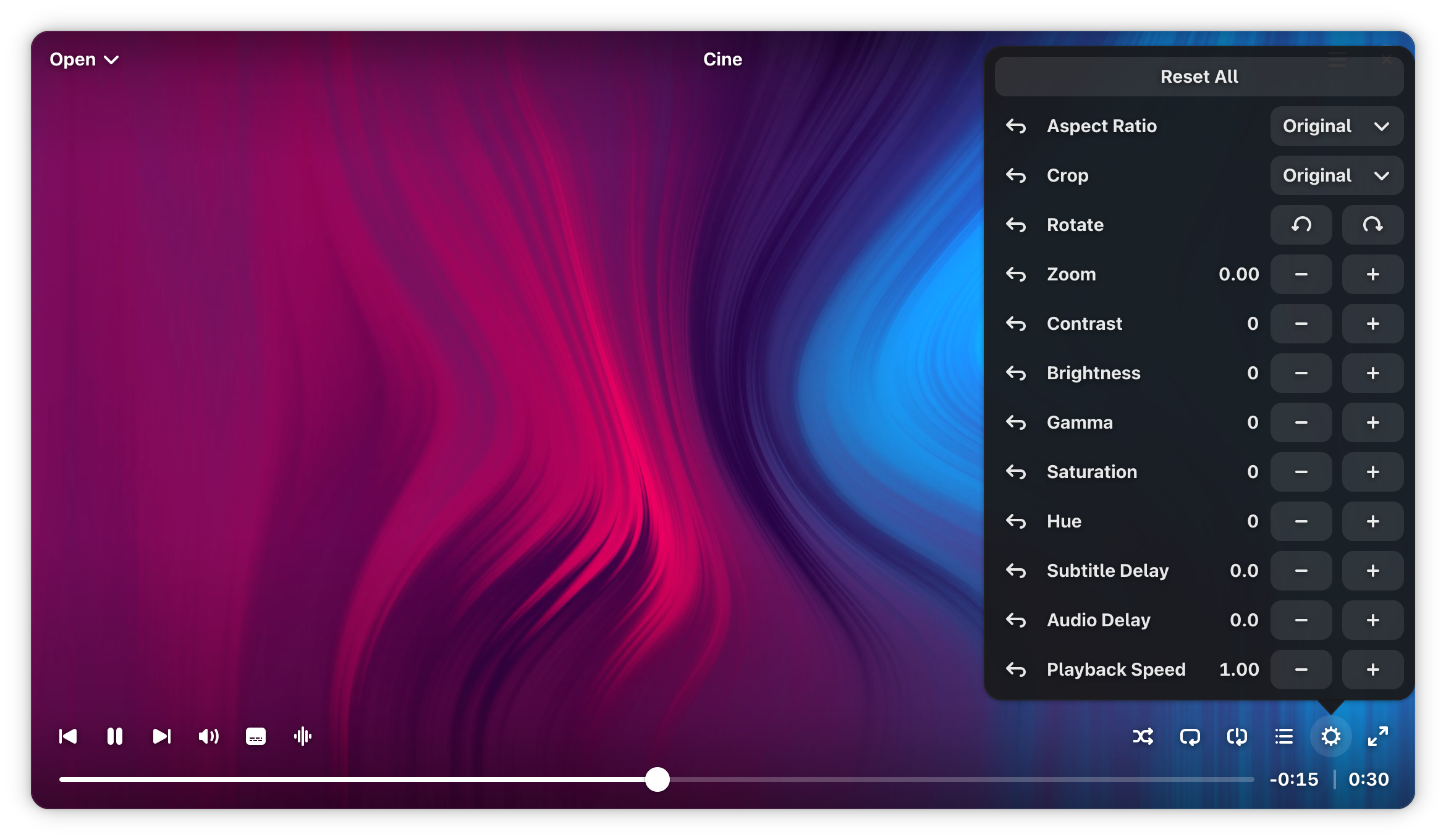
While the interface remains remarkably clean, you do not lose out on advanced playback features. Users can easily manage several crucial parameters on the fly:
- Track Synchronization: Fine-tune audio and subtitle offsets to fix poorly synced files.
- Display Adjustments: Modify brightness, contrast, zoom levels, and aspect ratios directly from the control panel.
- Stream Selection: Effortlessly switch between multiple audio tracks and built-in or external subtitle files.
Who is This Media Player For?
If you are tired of bulky media suites that clutter your screen with library managers, social sharing buttons, or complex menus, this tool is crafted for you. It is ideal for Linux enthusiasts who prefer a dedicated, single-purpose tool that does one job perfectly: playing local video files with maximum fidelity and zero distraction.
Our Verdict: A Highly Capable, Minimalist Engine
Diego Povliuk has built a wonderfully focused piece of software that respects the user's desktop environment. It avoids unnecessary feature creep, choosing instead to perfect the core mechanics of video playback. If you want to experience your local media library through a clean, modern lens, we highly recommend trying out this application. You can explore its features and download it officially via the Cine Flathub page.