
OmniPlayer: MKV Video Player

Read our comprehensive review of OmniPlayer: MKV Video Player for Mac. Discover how this powerful media player handles 4K playback and subtitle syncing.
The Ultimate Solution for Mac Media Playback Compatibility
Every Mac user has encountered the frustrating "format not supported" error when trying to play standard video files. While macOS is a powerful operating system, its native media player often struggles with diverse file containers and advanced audio codecs. This is where OmniPlayer: MKV Video Player steps in, offering a robust, all-in-one playback engine designed to handle almost any file type you throw at it without stuttering or requiring external conversion tools.
Unmatched Format Support and Hardware Decoding
Developed by 成浩 吴, this versatile software operates as a high-performance media hub. OmniPlayer: MKV Video Player utilizes advanced hardware decoding to deliver seamless playback for high-definition 4K, 1080P, and 720P videos. Whether you are running complex MKV containers, older avi files, or lossless flac audio, this player ensures a smooth, stutter-free viewing experience that preserves the original media quality.
Its comprehensive format support includes:
- Video Formats: mkv, rmvb, avi, mov, wmv, flv, mp4, m4v, mpeg, webm, 3gp, and TS streams.
- Audio Formats: flac, ape, mp3, m4a, wav, wma, ogg, and lossless audio profiles.
- Subtitle Formats: ass, ssa, srt, and idx&sub.
Advanced Control and Wireless Streaming Features
Beyond local file playback, OmniPlayer: MKV Video Player excels in network flexibility. It allows users to stream media directly from remote servers using SAMBA or FTP protocols, as well as online streams via HTTP/HTTPS. You can even load ad-free YouTube and Vimeo links directly into the player interface.
Key usability features include:
- Precision Playback: Adjust playback speeds from 0.25x to 4x, preview scenes on the progress bar, and automatically resume from your last watched position.
- Audio & Video Correction: Fine-tune image equalizer settings (brightness, contrast, saturation) and adjust audio delay times to fix out-of-sync audio tracks.
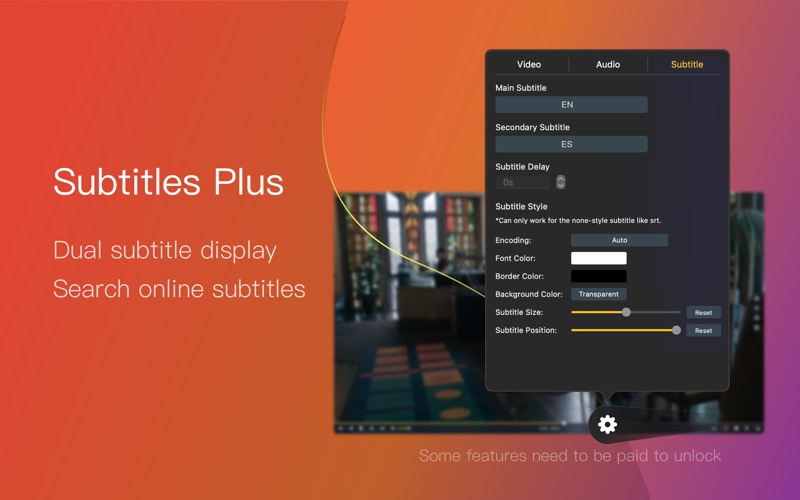
- Subtitle Customization: Search for subtitles online using video hashes, adjust font sizes and colors, and change text encoding to fix broken characters.
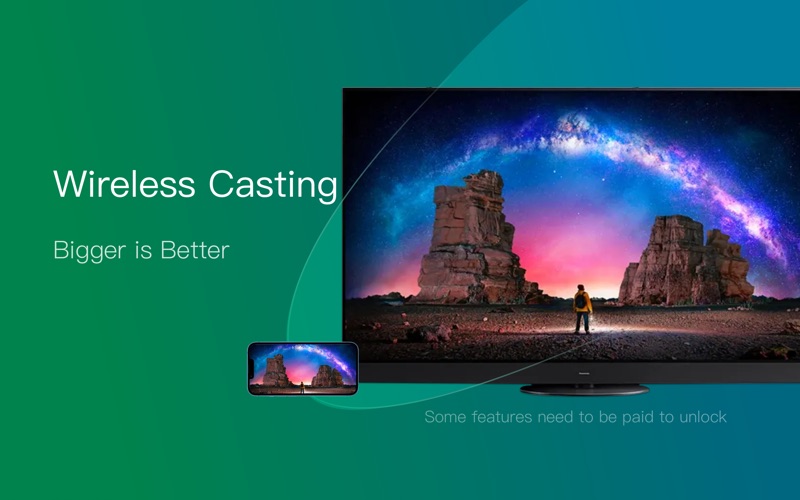
- Wireless Screencasting: Cast your local media effortlessly to larger screens using DLNA, Chromecast, or Roku protocols.
Is OmniPlayer Right for You?
If you regularly watch local media, stream from a home server (NAS), or require advanced subtitle synchronization tools, this utility is an exceptional addition to your application folder. It eliminates the need for third-party transcoding software entirely. To experience this fluid media playback firsthand, check out the official Mac App Store listing for OmniPlayer: MKV Video Player to explore its flexible VIP upgrade options and download the app directly to your Mac.