oneSafe Password Manager: Advanced iOS Security Vault
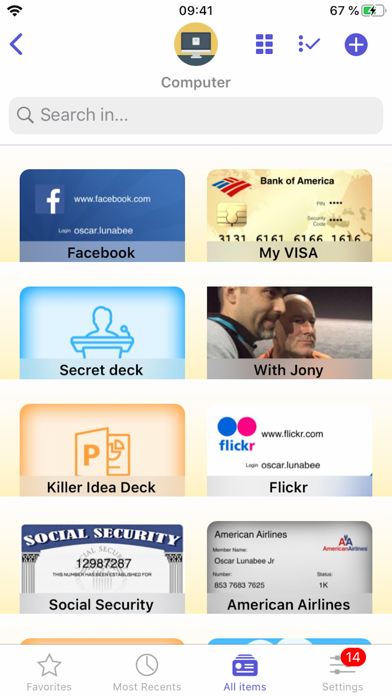
Read our expert review of the oneSafe password manager for iOS. Learn how its AES-256 encryption and customizable vault keep your data safe and organized.
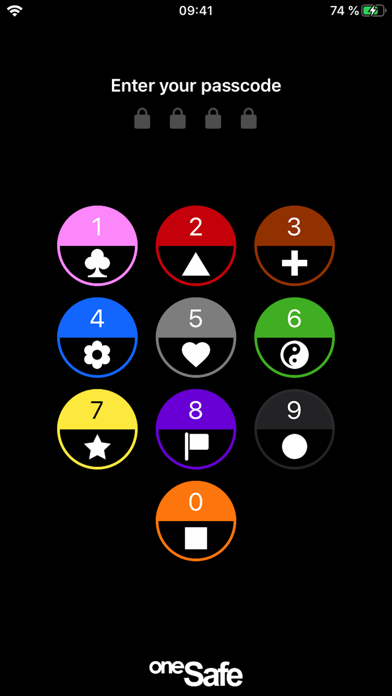
For iOS users seeking top-tier digital protection, the oneSafe password manager offers an exceptionally secure, customizable vault designed to safeguard your most sensitive credentials. While many security tools opt for clinical, uninspired interfaces, this utility stands out by blending military-grade encryption with a highly personalizable user interface, allowing users to modify colors, icons, and textures to make their digital safe feel like their own.
Why the oneSafe Password Manager Stands Out
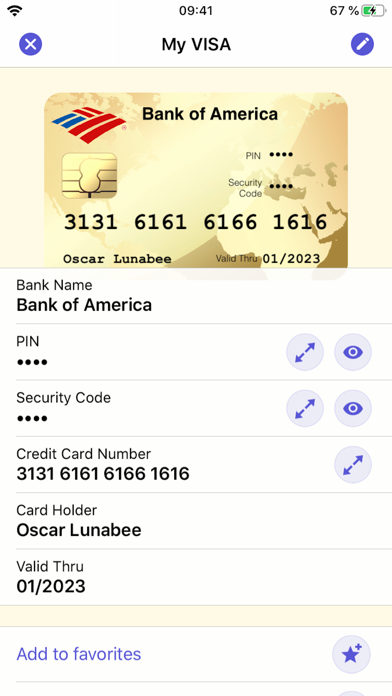
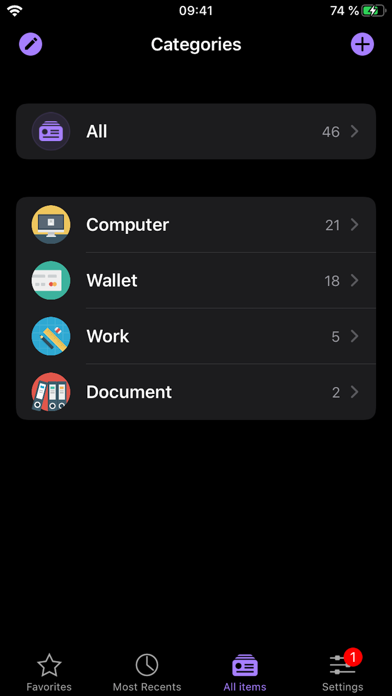
Developed by Lunabee Pte. Ltd., the app acts as a highly secure digital safe right on your mobile device. Beyond storing simple login credentials, it serves as a comprehensive repository for credit card numbers, social security records, tax documents, PDF files, and even private media like photos and videos. The core philosophy behind the platform is to keep highly confidential data completely locked away yet instantly accessible to the rightful owner.
Military-Grade Protection Under the Hood
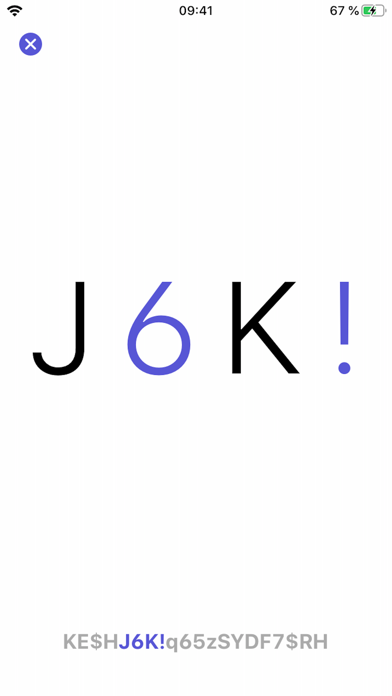
Security is the foundation of any credential vault, and the oneSafe password manager utilizes AES-256 encryption—the highest standard available on mobile devices. Your data is automatically encrypted the moment it is saved. Furthermore, the application employs complex cryptographic calculations to ensure your master entry password remains unhackable, mitigating the risk of brute-force intrusions.
Flexible Cloud and Manual Synchronization
Keeping data updated across your personal ecosystem is highly streamlined. The application supports synchronization via iCloud Drive and Dropbox, ensuring your passwords are ready whenever you need them. Security remains a priority during transit: all synchronized data is fully encrypted with AES-256 before it ever leaves your device. For security-conscious users who prefer to avoid cloud services entirely, a manual sync option is also fully supported.
Key Features at a Glance
- Spotlight Integration: Find your items instantly using the native iOS Spotlight search.
- Secure Sharing: Safely share specific confidential items with trusted family members or colleagues.
- Customizable Templates: Quickly input credit cards, bank accounts, or usernames using pre-configured formats.
- Local Backups: Export and secure your database via email, iTunes, or Wi-Fi to prevent data loss.
- Visual Customization: Personalize individual items with unique icons, textures, and colors.
Is It the Right Security Tool for You?
At a straightforward price point of $1.99, this app offers a robust, tracker-free environment for users who want complete control over their local and cloud-synced data. It is particularly well-suited for iOS users who appreciate clean design, customizable aesthetics, and the peace of mind that comes with local backup capabilities.
To explore its full range of features and secure your digital life, check out the official App Store page for more details on how to get started.